

 INKY
INKY INSTANT
Three controls in one place
LIGHT, LENS and LOOK sit together in one small tab under the picture. It swells when you touch it and shows you the setting while you adjust.
 Get it free
An iPhone camera for people tired of the over-processed phone look. Your photos come out with natural color and real depth, looking like what you saw.
You know it at a glance: edges sharpened until they crunch, skies flattened into gray. That's the built-in camera deciding what your picture should look like.
Natural Photo skips Apple's look and finishes each picture the way I'd color a film. The screen shows you that look while you're still framing.
At the default 12 MP, every step from the sensor to the finished photo is mine. Keep scrolling to follow a picture through the second after you tap.
Light lands on the sensor as a grid of red, green and blue dots. This is where most camera apps hand things over to the iPhone's own processing. Natural Photo keeps it, and even keeps the frame from just before your tap registered, so you get the moment you meant.
Each dot only saw one color, so the other two get filled in from its neighbors. The way I do it follows edges instead of smearing across them, so leaves and hair stay crisp without any fake sharpening.
Dim photos come out speckled with noise. Natural Photo cleans it up using the noise pattern your own sensor reports, so you keep real texture instead of a waxy, smoothed-over look. In low light it combines four to six quick frames first and leaves out anything that moved.
A candlelit room shouldn't come out looking like an office. Natural Photo keeps some of the light's warmth, the way your eyes do. Skin stays the color of skin, and the color holds steady while you move the phone around.
Bright areas fade gently toward white instead of burning out, so a sunset keeps its gradient. Brightness is set from the light on people's faces, and it locks the moment you press the shutter, so the photo is exactly as bright as the screen showed.
This is the look I've been refining for years, drawn from what I love about movie cameras and film: bright light that fades out softly, skin that looks like skin, shadows with a little blue in them. It moves every color in the frame together, so nothing looks pasted on.
On HDR screens, like recent iPhones and Macs, the bright spots in a photo can glow brighter than plain white. Natural Photo uses that and also makes shadows deeper, so pictures get real depth instead of the flat, everything-lit look. On other screens they still look right.
About a second after you tap, the photo is in your library. Each one is checked against what was on screen when you pressed and nudged to match, so you get the picture you framed.
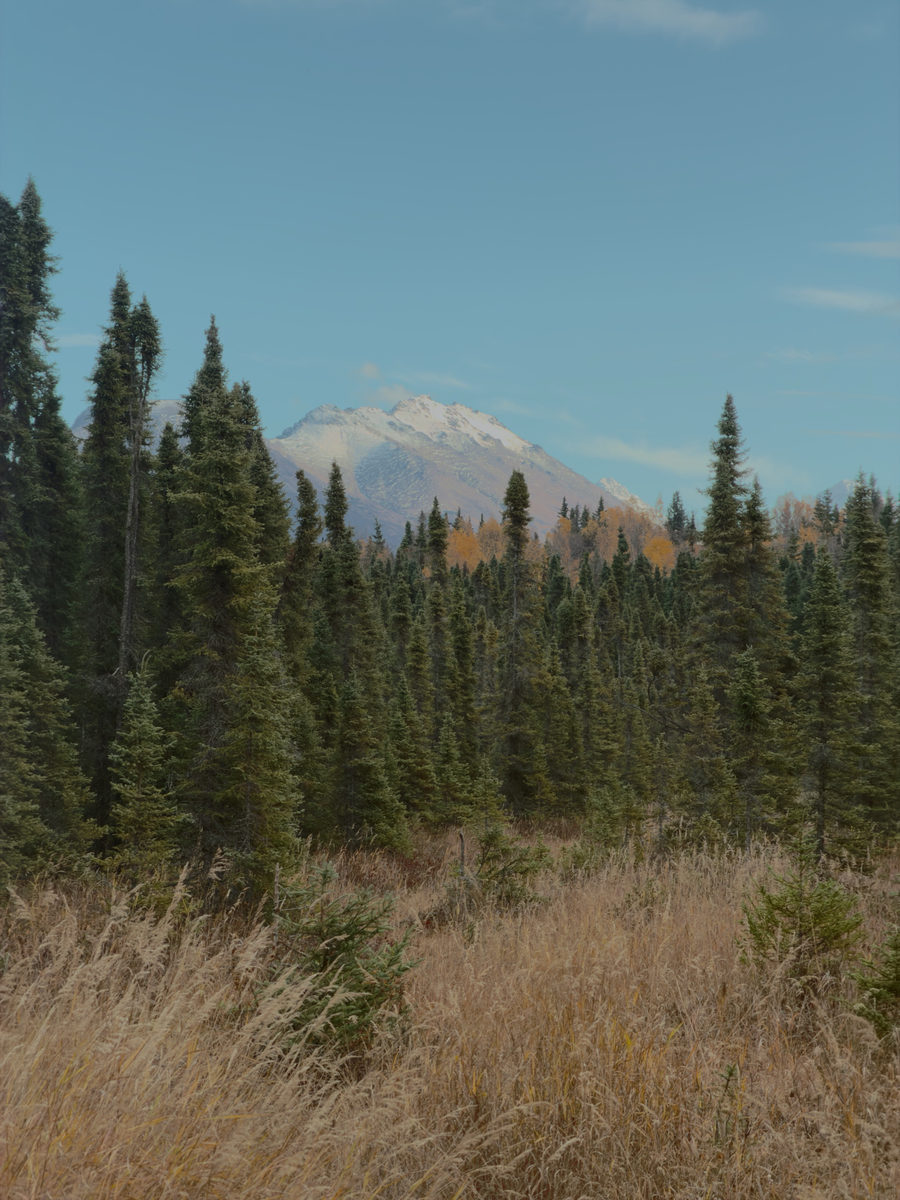
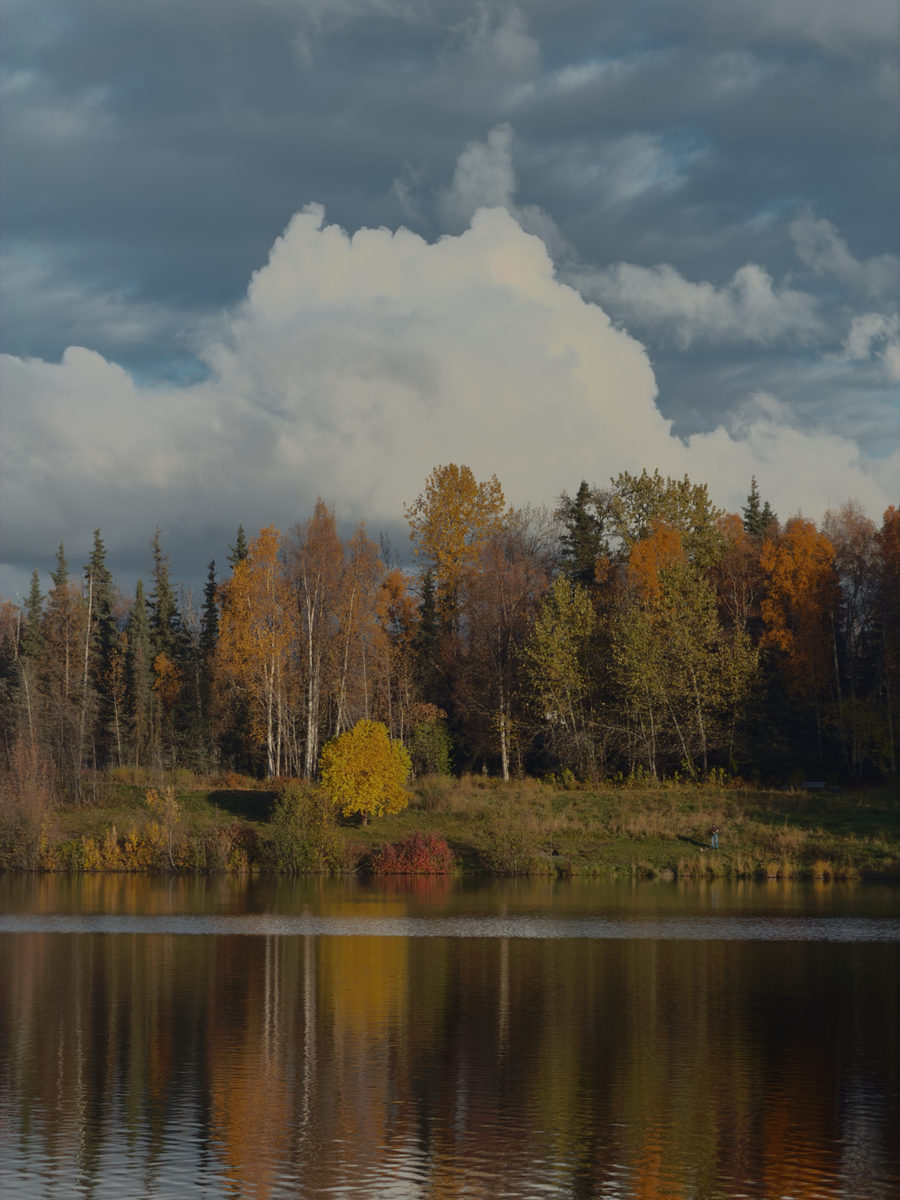
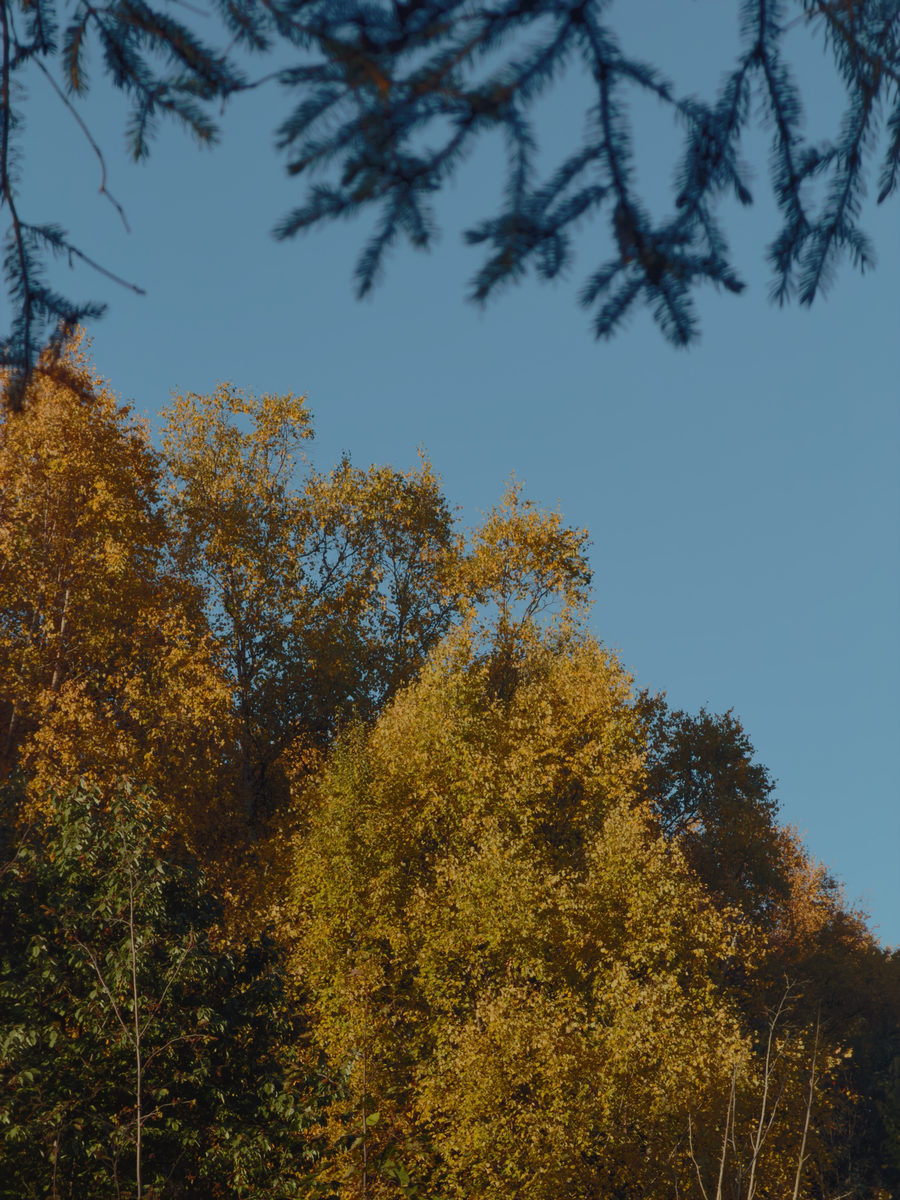
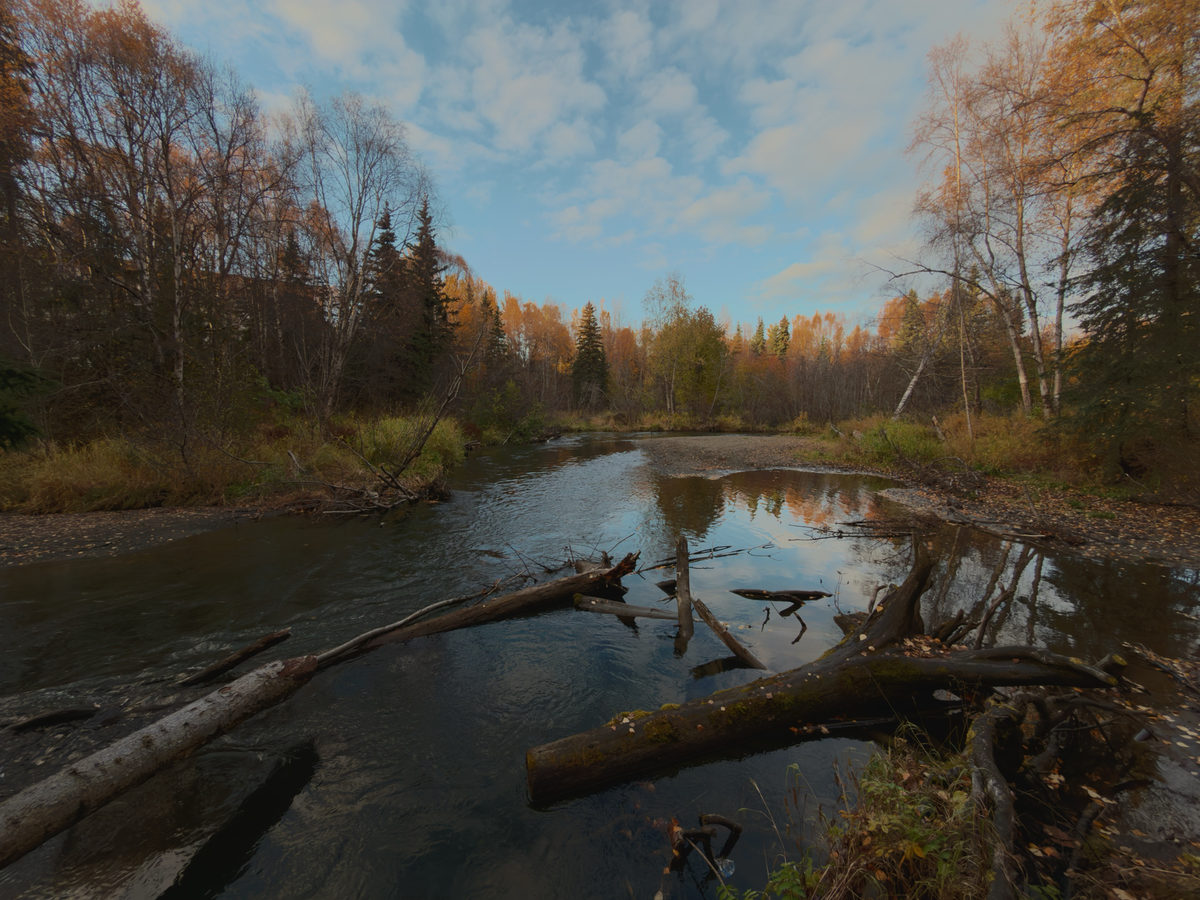

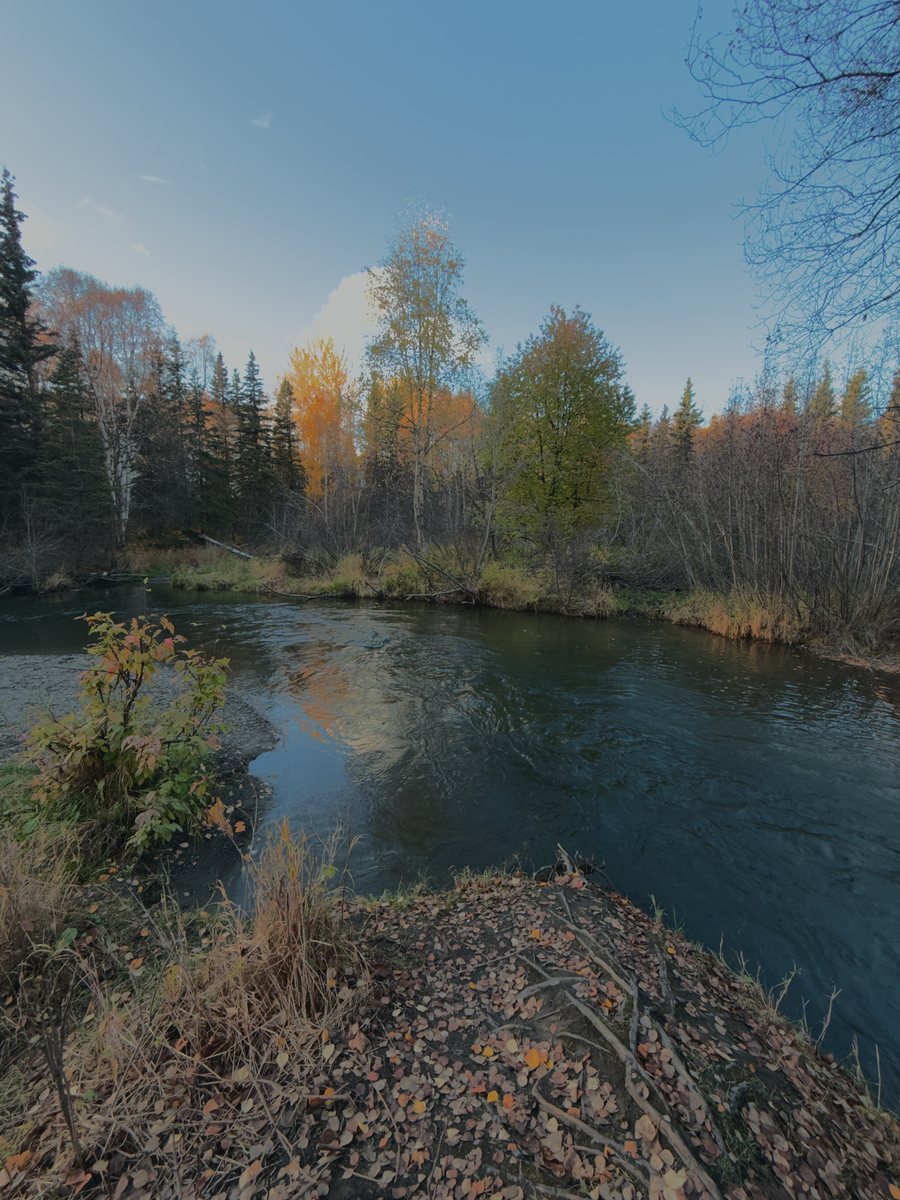
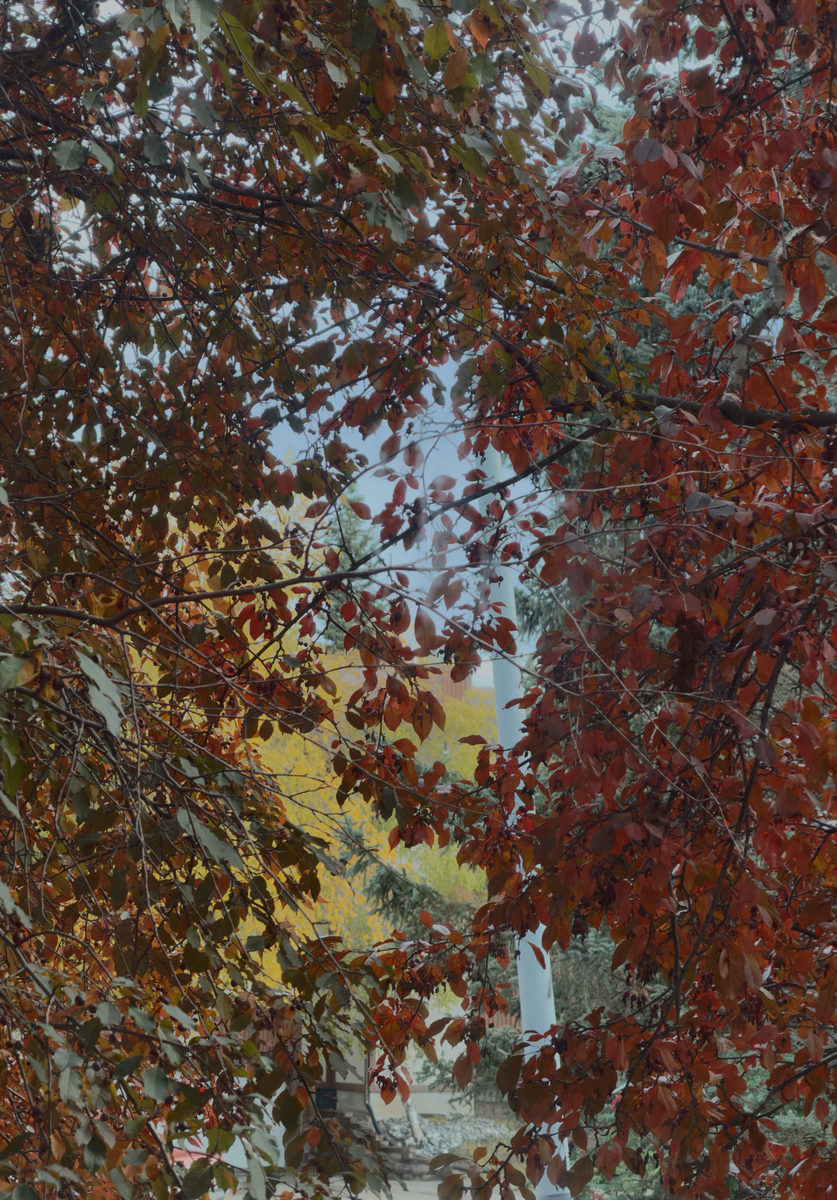
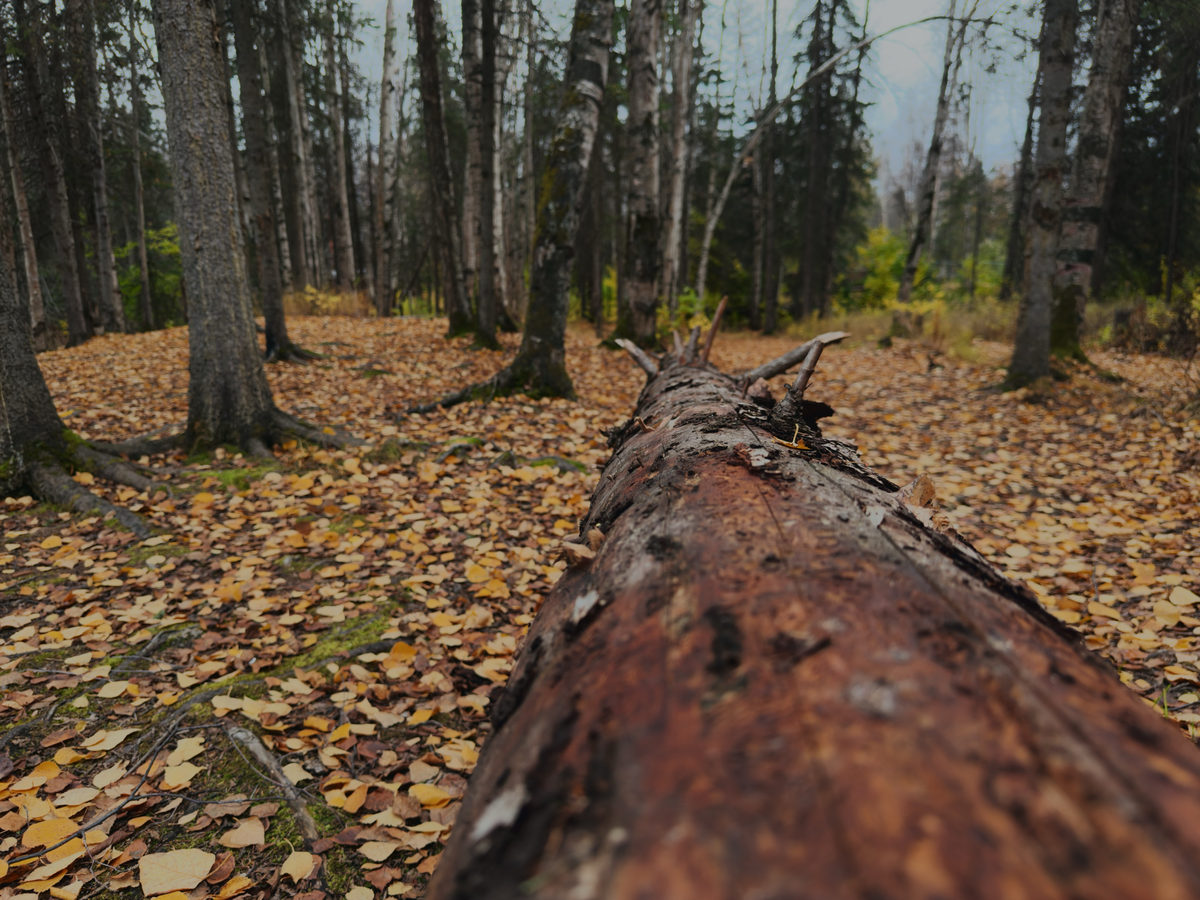
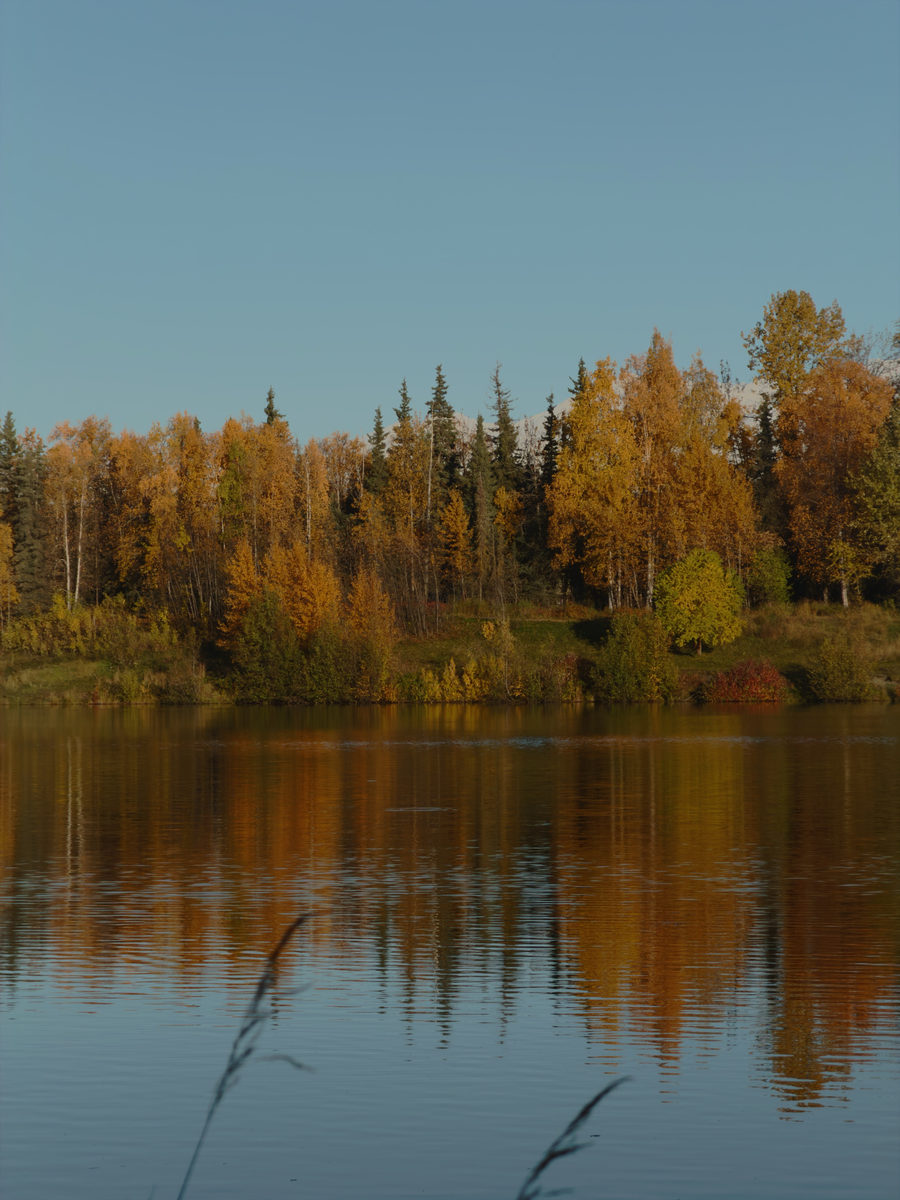
Each film look recreates how a real film stock handles color and contrast, right down to the glow around bright lights and the texture of its grain. NATURAL is my own look, and the default. Try them below. The picture is running the same film engine the app uses.
Loading the film model…
Shoot in the INSTANT look and each photo slides out like an instant print, fading in as you watch. Pull it up to write on it with a felt-tip pen, and the date goes on in my handwriting.
LIGHT, LENS and LOOK sit together in one small tab under the picture. It swells when you touch it and shows you the setting while you adjust.
Slide to make the picture brighter or darker. The slider fills with light as you go, and on HDR screens that light glows brighter than white.
At the default 12 MP the camera keeps the last few frames ready, so it saves the one from just before your tap registered. That can be the difference between a smile and a blink.
Tilt marks run along the edge of the controls. When the shot is level they light up green and you feel a little click.
A Home Screen widget shows your newest instant print. You can open the camera, or jump straight to a favorite look, from Control Center, the Lock Screen, the Camera Control button or Siri.
Flip to the front camera and the screen becomes a ring light, glowing extra bright on HDR screens to light your face.
I'd shoot video in Apple's flat, unprocessed format, color it by hand on my computer and pull out a single frame. It skipped everything the phone does to a photo, and people would ask what camera I'd used. Each picture took about twenty minutes, and I kept doing it anyway.
Natural Photo does all of that in the second after you tap.
Read the design story
For iPhone, on iOS 18 or later.
Download on the App Store


